
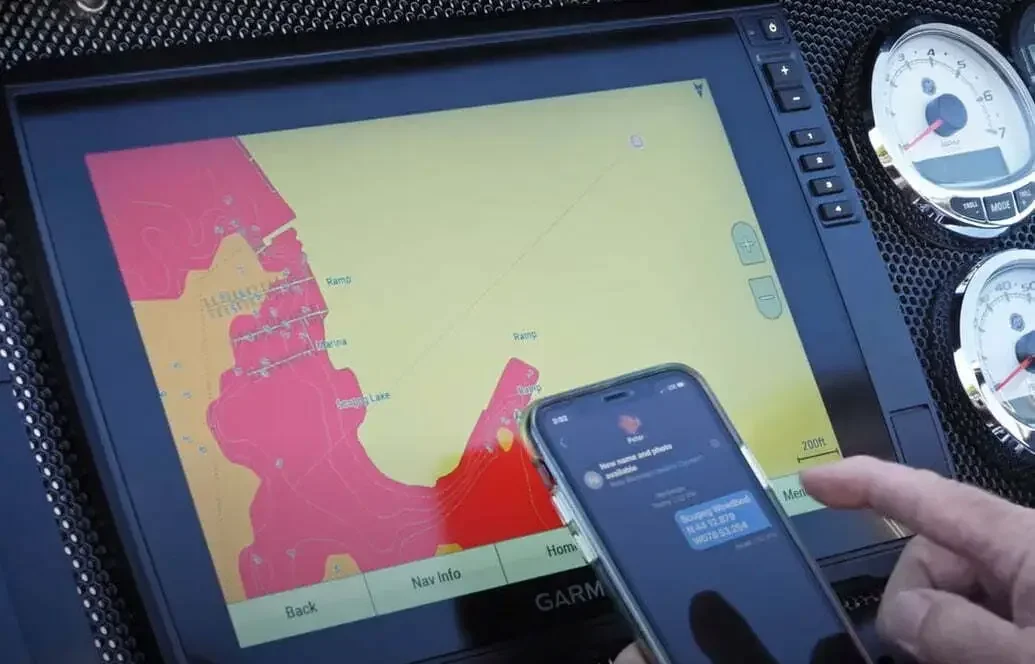
Adding a waypoint to your fishfinder/map is pretty straight forward right? You simply push a button, and a symbol instantly appears on your chart. This, of course, is done on the boat, on the water, and normally when some kind of event happens i.e. seeing fish on the screen, seeing cover or structure on the screen, or catching a fish. That waypoint is yours forever (as long as you backup your data of course). But what if someone were to send you GPS coordinates through a text or an email. Your job is to get them into your chart plotter.
In this how-to piece, Fish’n Canada’s Pete Bowman gives you the method that he and Ang use, in order to add in a waypoint via “editing” it. It’s a simple procedure that you need to know.